
Lighting is a crucial component of content creation. Whether you are filming product reviews, conducting interviews, or streaming, uneven lighting can ruin the quality of your video. This is where a softbox comes in.
In this article, we will explore the purpose of a softbox using the Skytex Light Box kit as a practical example. We will look at what comes in the box, how to set it up, and how it allows creators to control their lighting environment.
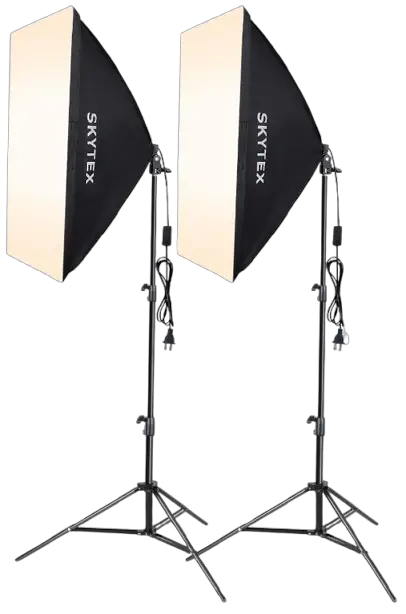
1. Components and Overview
A typical softbox kit, like the Skytex model, is designed to be a complete solution. Out of the box, you typically receive the following components:
- The Stand: An adjustable tripod base that holds the light.
- The Bulb: A heavy-duty LED bulb designed for high brightness and color accuracy.
- The Softbox Shroud: The reflective cover that directs the light and the diffusion cloth that softens it.
- Accessories: A power cable with a manual switch and a remote control for wireless adjustments.
The primary goal of these components is to take a harsh light source (the bulb) and diffuse it through the shroud to create soft, wrap-around lighting that eliminates harsh shadows.
2. Assembly and Setup
Setting up a softbox is generally straightforward. Based on the Skytex model, the process involves a few key steps:
- Prepare the Stand: Expand the tripod legs and tighten the center screw to ensure stability. The stand offers height adjustments, allowing you to position the light exactly where you need it.
- Mount the Softbox: The shroud usually features a ring mechanism. You push this ring over the base where the bulb socket is located.
- Install the Bulb: Screw in the heavy-duty LED bulb.
- Apply the Cover: The white diffusion cover attaches to the edges of the softbox using Velcro (or clips). This is the critical part that softens the light.
Once assembled, the head of the softbox can be angled up or down by loosening the adjustment nut on the bracket, giving you full control over the direction of the light.
[Image Placeholder: Fully Assembled Softbox Lit Up in a Studio Setting]
3. Functionality and Control
Modern softboxes often go beyond simple on/off functionality. The Skytex kit, for instance, includes a remote control that significantly enhances usability. Here is what you can control:
- Brightness: You can dim the light manually or use presets (20%, 50%, 100%) to match the ambient light in your room.
- Color Temperature:
- Warm Light: Creates a yellowish, cozy atmosphere.
- Cold Light: A blueish tint, often used for clean, modern looks.
- Pure White: Neutral daylight, ideal for product reviews to show accurate colors.
- Sleep Mode: A very dim setting, useful for standby mode without fully turning off the power.
User Note: Be aware of signal interference. Since the remote operates on common frequencies, it might trigger other RGB devices in your room (such as LED strips or wireless controllers).
4. Practical Application: Why Use It?
Why should you invest in a softbox? If you rely on standard desk lamps or ceiling lights, you likely deal with uneven shadows and poor color representation.
As demonstrated in the review, swapping small desk lights for a dedicated softbox provides consistent, professional-grade illumination. It is particularly useful for:
- Talking Head Videos: Illuminating the speaker’s face evenly.
- Product Reviews: Highlighting details without blinding glare.
- Streaming: Maintaining consistent lighting regardless of the time of day.
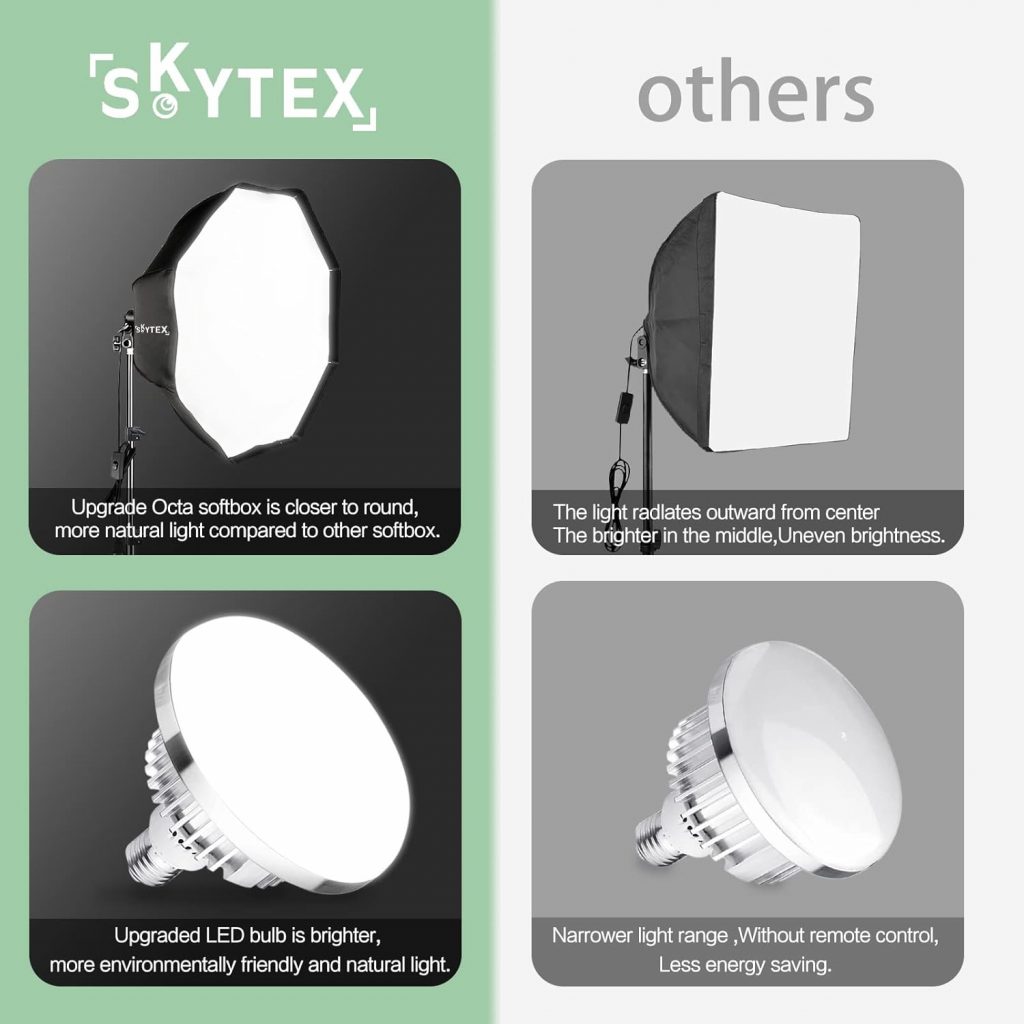
A softbox is an essential tool for anyone looking to elevate their video production quality. The Skytex kit serves as a great example of an affordable yet versatile solution, offering adjustable height, brightness, and color temperature. While minor issues like remote interference can occur, the ability to control your lighting environment makes it a worthy investment for content creators.